
Full Freezer
Available on the App StoreAvailable on Google PlayWhat's in
the freezer?
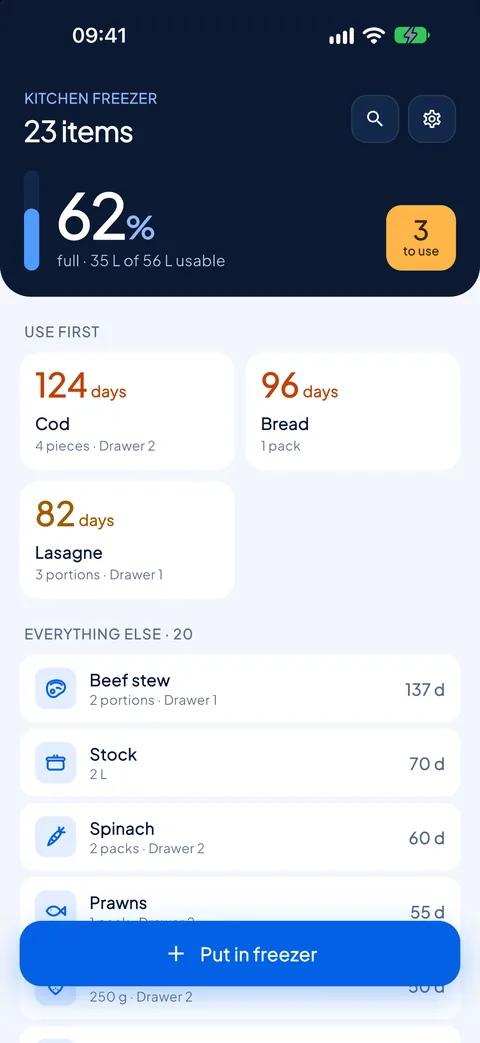
And since when. Items are sorted by age, the oldest on top, with the days since they were frozen and how full the freezer is. No more forgotten bags at the bottom of the drawer.
What it looks like
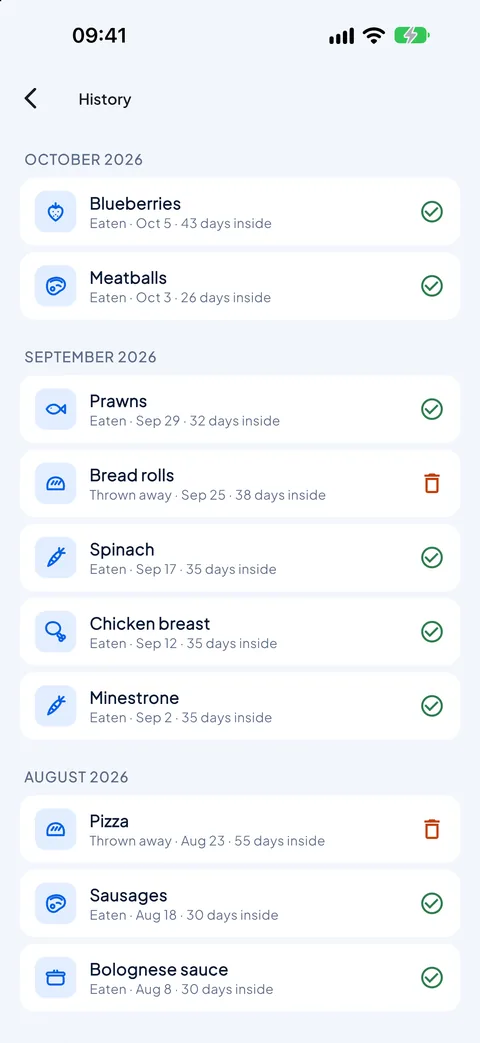
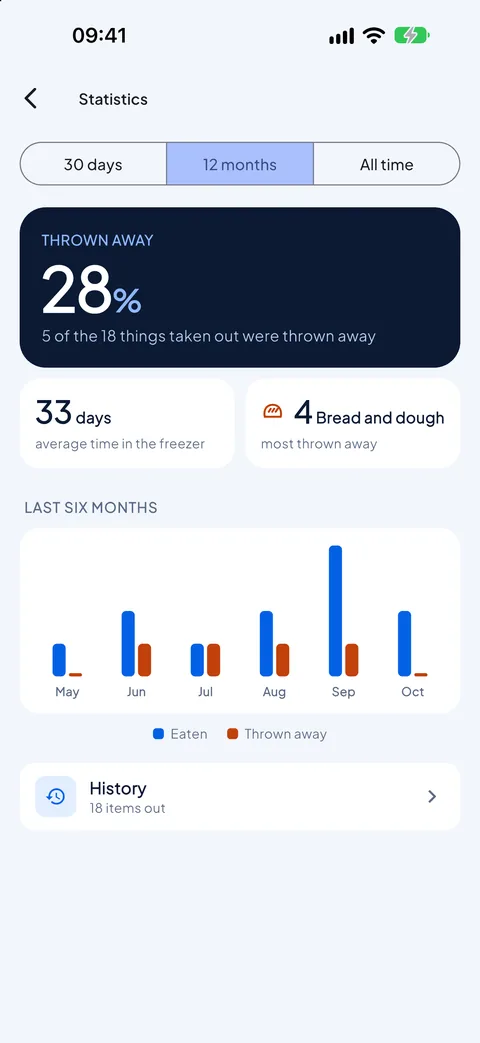
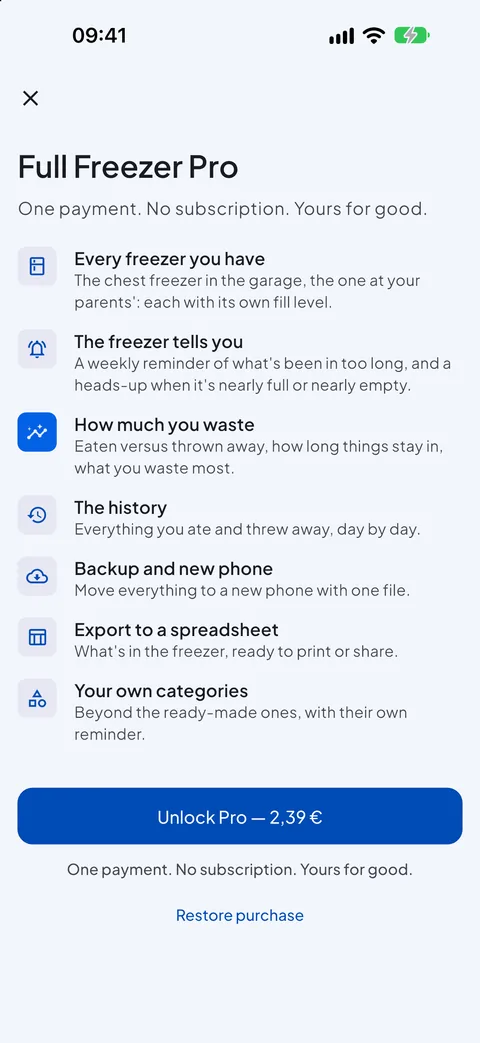
Real screenshots of the app, not mock-ups: what you see here is what you get on your phone.
That bag there, since when?
A freezer fills up in layers: what goes in today covers what went in two months ago, and March's ragù turns up in October, unrecognisable. Full Freezer keeps count for you, so you use first what has been waiting longest.
In with three taps
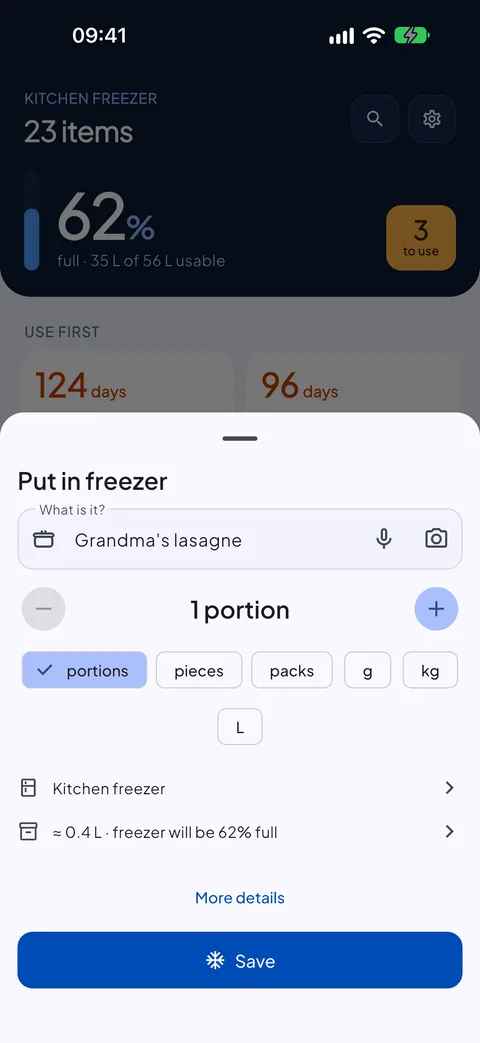
Put in freezer, type the name, save. The category comes from the name, the date is today, everything else is as last time. You can also dictate it or take a photo to recognise it later.
The oldest always on top
Open the app and see straight away what to use first: items sorted by age, with the days since they were frozen.
You know how full it is
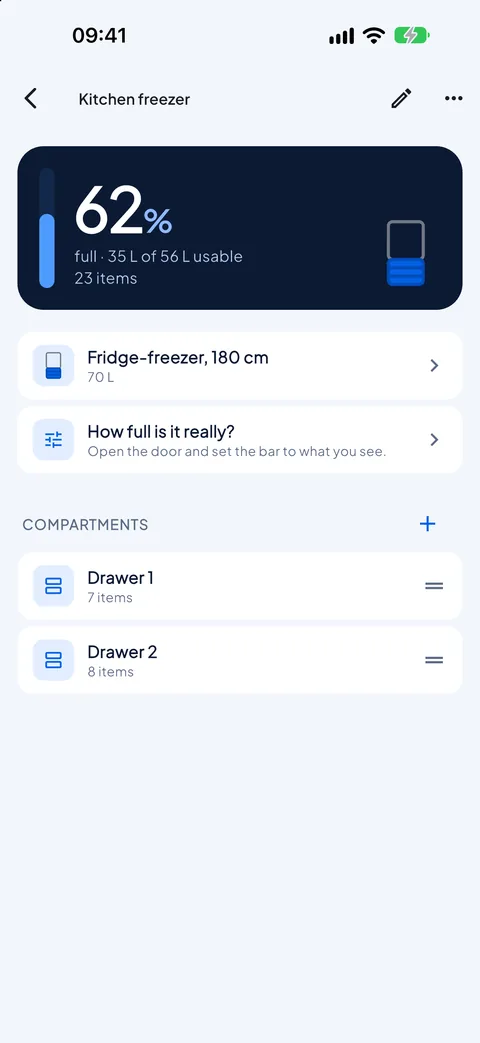
Pick your freezer from a range of real models, from the fridge drawer to a 350-litre chest freezer. The app estimates the space each item takes and tells you how full it is; when you open the door, you correct it.
What's inside
Everything you need to never forget anything at the bottom of the freezer again, and nothing else.
Drawers and shelves
Split the freezer into its compartments and always know where to look. Search by name or note, accents and capitals don't matter.
The home screen widget
The three oldest items, with their days, on your home screen. It updates the count by itself every night, even if you never open the app, and it's free.
A reminder per category
Every category has its reminder in days, and you can change it for a single item: when it gets close or goes past, you see it marked. It helps you get organised; it is not an expiry date.
The freezer tells you
With Pro, every week it tells you what has been in too long, and it alerts you when the freezer is nearly full or nearly empty.
How much you waste
With Pro, the history of everything you ate and threw away, and the statistics: how much was thrown away, how long things stay in, what you waste most.
All your freezers
With Pro, the chest in the garage and the one at your parents', each with its drawers and its fill level. And your own categories, each with its reminder.
Free, then Pro if you need it
In the free version items are unlimited, and so are photos. Pro is a single purchase, no subscription, no renewal; if you change phone you restore it from the store, with the same account.
Basic
Free
- One freezer, with as many drawers and shelves as you like
- Unlimited items, sorted by age
- Quick add, by voice and with photos
- The estimated fill level, which you can correct
- Search and reminders per category
- The home screen widget
- Restoring from a backup
- No ads, no account
Pro
€3.99 one-off, VAT included
- Everything in the basic version
- Every freezer you have, each with its fill level
- Alerts: what has been in too long, freezer nearly full or nearly empty
- The history of what you ate and threw away
- Waste statistics
- Your own categories, each with its reminder
- Spreadsheet export and full backup
Your data stays yours
Full Freezer has no account, asks for no sign-up and collects no usage statistics. Freezers, items and photos live in your phone's storage and are not sent anywhere. The camera opens only when you add a photo, the microphone only while you dictate, and we never receive your voice or the text: how speech is recognised, version by version, is explained in the privacy policy. The only thing that goes through the store is the purchase check.
Something wrong, or something missing?
Reports are read by one person, the same one who writes the code. Tell me what happened and on which phone: it's the fastest way to get it fixed.